Custom Sales Playbook Automation for SaaS Buying Teams
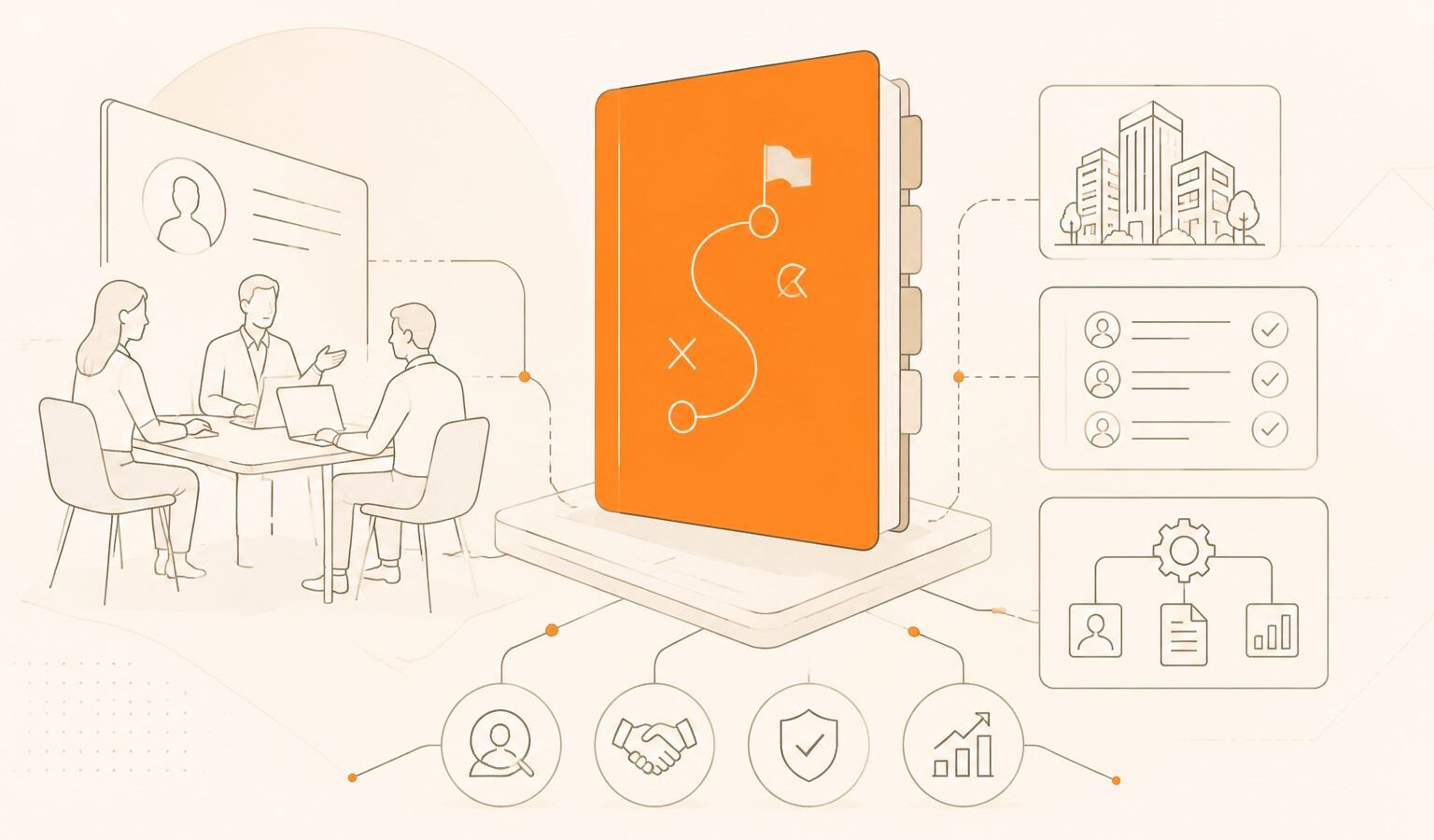
Custom sales playbook automation is software that converts your team’s specific qualification rules, follow-up logic, objection handling, routing criteria, and next-best actions into workflows that run automatically across sales conversations, CRM records, and handoffs.
For SaaS buyers evaluating these tools, the real question is whether the software can execute your playbook accurately when buyers behave differently from the happy path. Storing a playbook is table stakes. Executing it under real conditions is the differentiator.
A static playbook tells reps what to do. An automated playbook detects the situation, chooses the right action, drafts or sends the message, updates systems, escalates edge cases, and improves from outcomes.
What Is Custom Sales Playbook Automation?
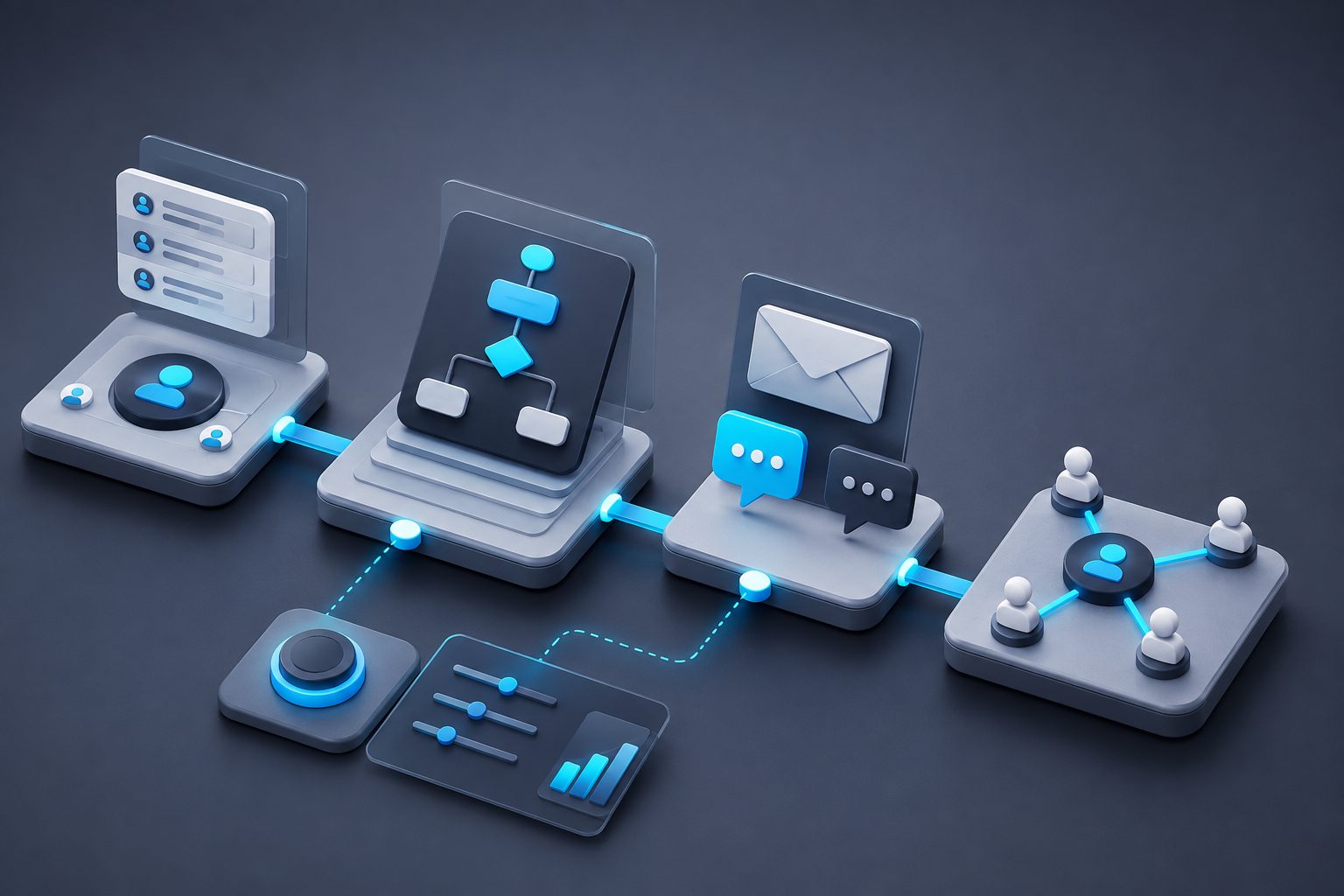
Custom sales playbook automation is a system of rules, AI agents, data triggers, and governance controls that operationalizes your sales methodology in real time. It applies your ICP, segments, personas, buying signals, qualification fields, objection responses, and escalation paths without relying on every rep to remember every step.
A useful system usually includes five layers:
- Play definition — ICP, stage, persona, intent, objection, and desired outcome.
- Trigger logic — form fill, chat message, email reply, product signal, meeting outcome, or CRM change.
- Decisioning — rule-based, AI-assisted, or hybrid selection of the next action.
- Execution — message generation, task creation, routing, meeting booking, or handoff.
- Measurement — play adoption, conversion, speed-to-lead, meeting quality, and revenue influence.
Many buyers confuse documentation with automation. A knowledge base, script library, or battlecard repository may support a playbook, but it does not execute one. Execution requires workflow control, customer-facing action, and traceable outcomes.
Why SaaS Teams Buy It Now
SaaS teams buy automated playbooks because sales motions are becoming too segmented for manual consistency. PLG leads, enterprise accounts, inbound demo requests, partner referrals, expansion signals, and churn-risk accounts each require different timing, qualification, and messaging.
Salesforce’s 2026 State of Sales research reports that reps spend more than half their time on non-selling work, including data entry, prospecting, and preparation in the Salesforce State of Sales report. Playbook automation targets exactly that gap.
For a SaaS buyer, the strongest use cases are:
- Inbound speed-to-lead with persona-specific qualification.
- Lead scoring and routing based on fit, intent, territory, and deal size.
- Discovery guidance using MEDDICC, SPICED, BANT, or a custom framework.
- Objection handling when buyers mention budget, timing, security, integrations, or competitors.
- Post-demo follow-up with tailored recap, next steps, and stakeholder mapping.
- Expansion and renewal plays triggered by product usage or account health.
If your priority is broader autonomous selling, compare this topic with AI sales agents for SaaS buyers to decide whether you need playbook execution, prospecting automation, or a full agentic sales layer.
The Buyer’s Test: Can the Software Run Your Actual Playbook?
Give the vendor three real buyer scenarios and ask the system to choose, execute, and explain the next action. If it can only show a generic sequence, it is not custom enough for a differentiated SaaS motion.
Use these three scenarios in a demo:
| Scenario | What the system should do | Red flag |
|---|---|---|
| Mid-market inbound lead asks for pricing before discovery | Qualify company size, use case, urgency, and buying role before offering a tailored path | Sends a generic “book a demo” email |
| Enterprise buyer mentions security review | Trigger security content, route to AE or SE, update CRM risk fields | Treats security as a standard objection |
| Product-qualified account shows usage spike | Identify expansion signal, draft contextual outreach, alert owner | Waits for a human to notice dashboard changes |
A strong tool should explain why it selected a play, not just what it did. That audit trail protects your team from black-box automation and helps RevOps improve the system over time.
A 12-Node Framework for Designing Automated Sales Plays
The best playbooks are modular decision systems, not long documents. This buyer framework maps a SaaS automated play into 12 nodes so teams can test complexity before committing to software.

| Node | Design question | Example |
|---|---|---|
| 1. Entry signal | What starts the play? | Demo request, reply, product usage spike |
| 2. Segment | Who is this buyer? | SMB, mid-market, enterprise |
| 3. Persona | What role is involved? | Founder, RevOps, CFO, VP Sales |
| 4. Fit | Is the account worth sales time? | ICP score, employee count, tech stack |
| 5. Intent | What does the buyer want now? | Pricing, demo, integration, support |
| 6. Stage | Where are they in the journey? | Research, evaluation, procurement |
| 7. Constraint | What could block progress? | Budget, timing, security, authority |
| 8. Message | What should be said? | Email, chat, call script, recap |
| 9. Action | What should happen next? | Route, book, enrich, nurture, escalate |
| 10. System update | What must be recorded? | CRM fields, notes, tasks, status |
| 11. Guardrail | What should automation avoid? | Discounting, legal claims, unsupported promises |
| 12. Success metric | How is the play judged? | Meeting held, SQL rate, pipeline, cycle time |
This framework reveals whether a platform supports true conditional logic or only linear sequences. Many tools handle nodes 1, 8, and 9. Fewer handle fit, constraint, guardrail, and success measurement together.
Automation Depth: Four Levels to Compare
The right level depends on deal complexity, sales risk, and data quality. Not every buyer needs full autonomy.
| Level | What it does | Best fit |
|---|---|---|
| Level 1: Playbook storage | Holds scripts, battlecards, and process notes | Small teams standardizing language |
| Level 2: Guided selling | Suggests next steps inside CRM or sales engagement tools | Teams that want rep control |
| Level 3: Workflow execution | Triggers tasks, routing, sequences, and CRM updates | Inbound and SDR teams |
| Level 4: AI agent execution | Interprets buyer input, responds, qualifies, books, and escalates | High-volume SaaS motions with clear guardrails |
For Level 4 evaluation, the buyer conversation becomes the operating environment. Tools such as automated sales conversation software should be assessed on conversation quality, CRM accuracy, fallback behavior, and escalation discipline.
A common mistake: buying Level 4 autonomy while the company only has Level 1 process clarity. If your team cannot describe the play in plain language, software will automate confusion.
Build vs. Buy: When Custom Workflow Tools Are Not Enough
Custom workflow builders are attractive because they are flexible. They can connect forms, CRM fields, Slack alerts, enrichment tools, and email systems. But they often fail when the play depends on interpretation rather than simple triggers.
Buy a purpose-built platform when your sales playbook requires:
- Natural-language understanding of buyer replies.
- Dynamic qualification rather than fixed form fields.
- Persona-aware messaging.
- CRM updates with reasoning.
- Human escalation when confidence is low.
- Reporting by play, not just by sequence.
Build with workflow tools when the logic is deterministic: “If lead source is webinar and company size is under 50, send nurture sequence.” Buy when the logic sounds more like: “If this looks like an enterprise buying committee with security friction, move the account to a consultative path.”
For SaaS teams comparing automation categories, sales playbook automation software offers a broader buyer comparison, while B2B sales qualification automation goes deeper on routing and fit scoring.
Governance: The Part Buyers Often Underestimate
Governance is what makes custom sales playbook automation safe enough to scale. Without controls, automated systems can send off-brand messages, over-qualify leads, mishandle regulated claims, or create CRM noise.
A buyer-ready governance model should include:
- Approval workflows for new plays and message variants.
- Role-based permissions for RevOps, sales leaders, and reps.
- Fallback rules when buyer intent is unclear.
- CRM write controls to prevent polluted fields.
- Audit logs showing what action was taken and why.
- Performance reviews by segment, channel, and stage.
The most important guardrail is a defined threshold, not “human in the loop” as a vague promise. When confidence, deal size, account tier, or sensitive language crosses a limit, the system should pause or escalate.
How to Pilot Custom Sales Playbook Automation in 30 Days
A 30-day pilot should test one revenue motion, not every sales process. The goal is to prove that automation can execute a custom play better, faster, or more consistently than the current manual process.
Use this sequence:
- Choose one motion. Start with inbound demo qualification, no-show recovery, post-demo follow-up, or expansion signal outreach.
- Document the current play. Capture triggers, decision rules, messages, owners, CRM fields, and exceptions.
- Create a control baseline. Measure current speed-to-lead, conversion to meeting, handoff accuracy, and CRM completion.
- Configure the automated play. Include guardrails, fallback paths, and escalation rules.
- Run parallel QA. Test at least 25 historical or simulated scenarios before live traffic.
- Launch to a limited segment. Use a region, product line, or lead source.
- Review outcomes weekly. Compare conversion, cycle time, manual touches, and error rate.
A practical success threshold: the play reduces manual steps by 30% or more while maintaining or improving qualified meeting rate and CRM accuracy.
What to Ask Vendors Before Buying
The best vendor questions force proof, not promises. Ask for demonstrations using your scenarios and your data model.
- Can we encode our own sales methodology, not just choose from templates?
- Can the system combine CRM data, conversation context, enrichment, and product signals?
- How does it decide between multiple possible plays?
- Can it explain the reason for each automated action?
- What happens when the buyer gives an ambiguous or incomplete answer?
- Which CRM fields can it read and write?
- Can RevOps version, approve, and roll back play changes?
- How are message variants tested and measured?
- What integrations are native, and what requires custom work?
- How are data retention, permissions, and audit logs handled?
For teams evaluating broader ROI, AI sales agents with the highest ROI provides a useful framework for tying automation outcomes to pipeline, labor savings, and conversion lift.
Common Mistakes That Reduce ROI
The biggest mistake is automating a playbook that has never been validated. If reps disagree on qualification, routing, or next steps, automation will expose the inconsistency at scale.
Other common mistakes include:
- Starting with too many plays instead of one high-volume motion.
- Measuring activity volume instead of qualified outcomes.
- Letting automation write CRM notes without field-level standards.
- Using generic messaging where the buyer expected context.
- Skipping exception handling for security, legal, pricing, and procurement.
- Treating AI confidence as a substitute for sales leadership judgment.
A better approach is to automate the narrowest repeatable decision first. Once that play is reliable, expand into adjacent moments.

Frequently Asked Questions
What is the difference between a sales playbook and sales playbook automation?
A sales playbook documents what sellers should do. Sales playbook automation executes those instructions through triggers, workflows, AI decisions, CRM updates, routing, and follow-up actions. The first guides humans; the second operationalizes the process.
Is custom sales playbook automation only for enterprise sales teams?
No. Smaller SaaS teams can benefit when they have repeatable inbound, trial, demo, or expansion motions. Enterprise teams usually need stronger governance, permissions, audit logs, and CRM controls because more people and edge cases are involved.
Should an AI sales agent replace the SDR playbook?
An AI sales agent should not replace the playbook. It should run the playbook. The playbook defines qualification, messaging, routing, escalation, and acceptable behavior. The agent provides speed, consistency, and execution across buyer interactions.
What data is needed before implementation?
At minimum, prepare ICP rules, lead sources, lifecycle stages, CRM fields, common objections, handoff rules, message examples, and conversion benchmarks. Better inputs produce safer automation and clearer measurement.
How should ROI be measured?
Measure qualified meeting rate, speed-to-lead, manual touches removed, CRM completion, routing accuracy, follow-up time, pipeline created, and error rate. Avoid judging ROI by email volume or task count alone.
Bottom Line
Custom sales playbook automation delivers the most value when your SaaS sales motion is repeatable but too nuanced for generic sequences. The right platform should encode your unique rules, act across systems, explain its decisions, and give RevOps enough control to improve performance safely.
The winning buying criterion is execution fidelity: can the software run your real playbook under real buyer conditions without creating more operational cleanup than it removes?
Keep reading

Red Flags in SaaS Vendor Agreements: A Buyer’s Review Checklist
Spot red flags in SaaS vendor agreements before signing, from renewal traps and price increases to data rights, liability gaps, and exit costs.

SaaS MSA Negotiation Checklist for Buyers
Use this SaaS MSA negotiation checklist for buyers to review pricing, data, SLAs, liability, indemnity, renewal, and exit terms before signing.

SaaS vendor IP indemnification scope checklist: Buyer review guide
Use this SaaS vendor IP indemnification scope checklist to test covered claims, exclusions, defense rights, remedies, caps, and third-party risk before signing.